GitLab Security and Compliance
GitLab empowers your teams to balance speed and security by automating software delivery and securing your end-to-end software supply chain.


GitLab empowers your teams to balance speed and security by automating software delivery and securing your end-to-end software supply chain.







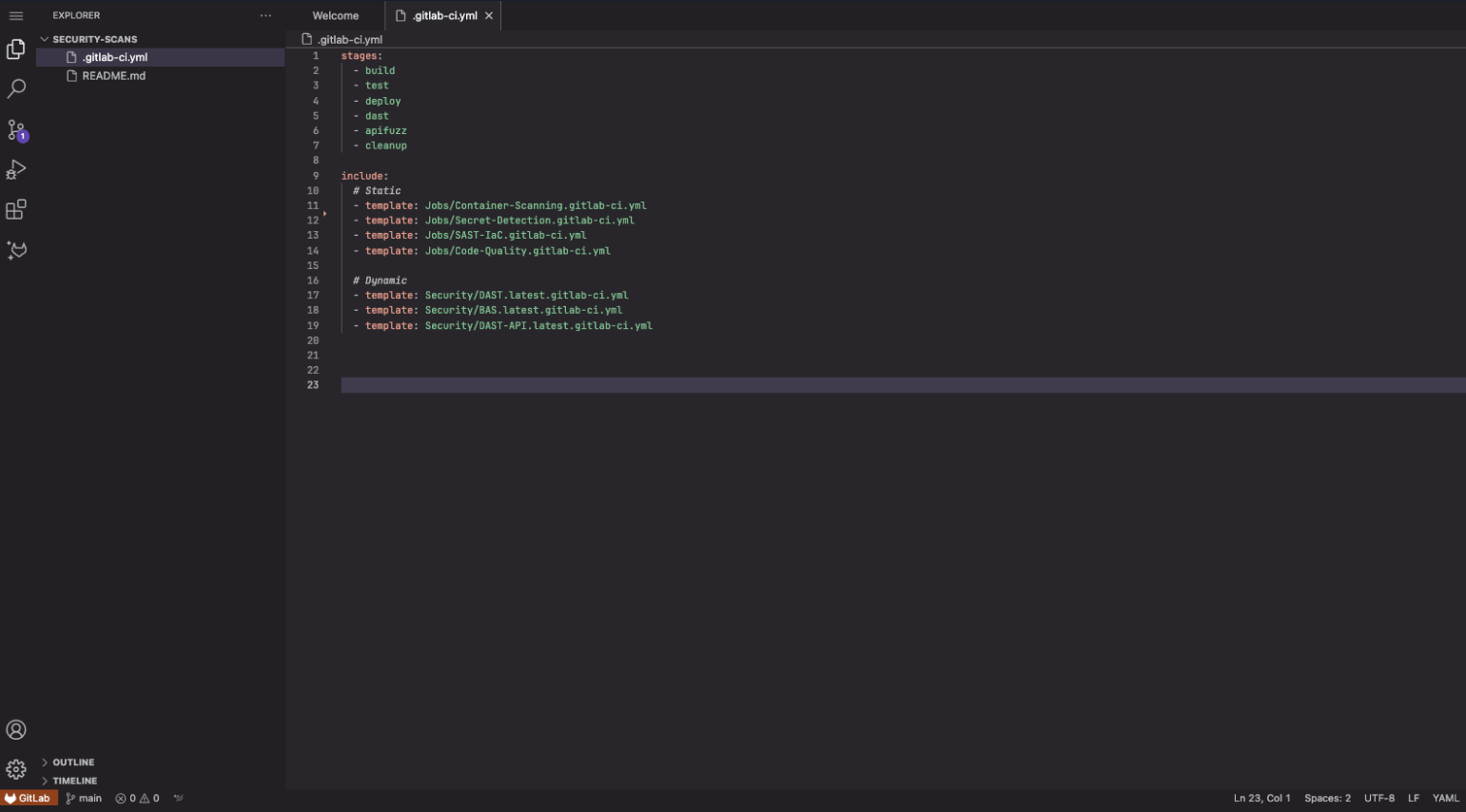
Try an interactive demo on how to add security scans to your CI pipeline.
GitLab helps you secure your end-to-end software supply chain (including your source, build, dependencies, and released artifacts), create an inventory of software used (software bill of materials), and apply necessary controls.
GitLab helps you shift security left by automatically scanning vulnerabilities in source code, containers, dependencies, and running applications. Guardrail controls can be put in place to secure your production environment.
GitLab can help you track your changes, implement necessary controls to protect what goes into production, and ensure adherence to license compliance and regulatory frameworks.
Integrating security into your DevOps lifecycle is easy with GitLab.
Learn more
Ensure your software supply chain is secure and compliant.
Learn moreSee what your team can do with a single platform for software delivery.
Get free trial